
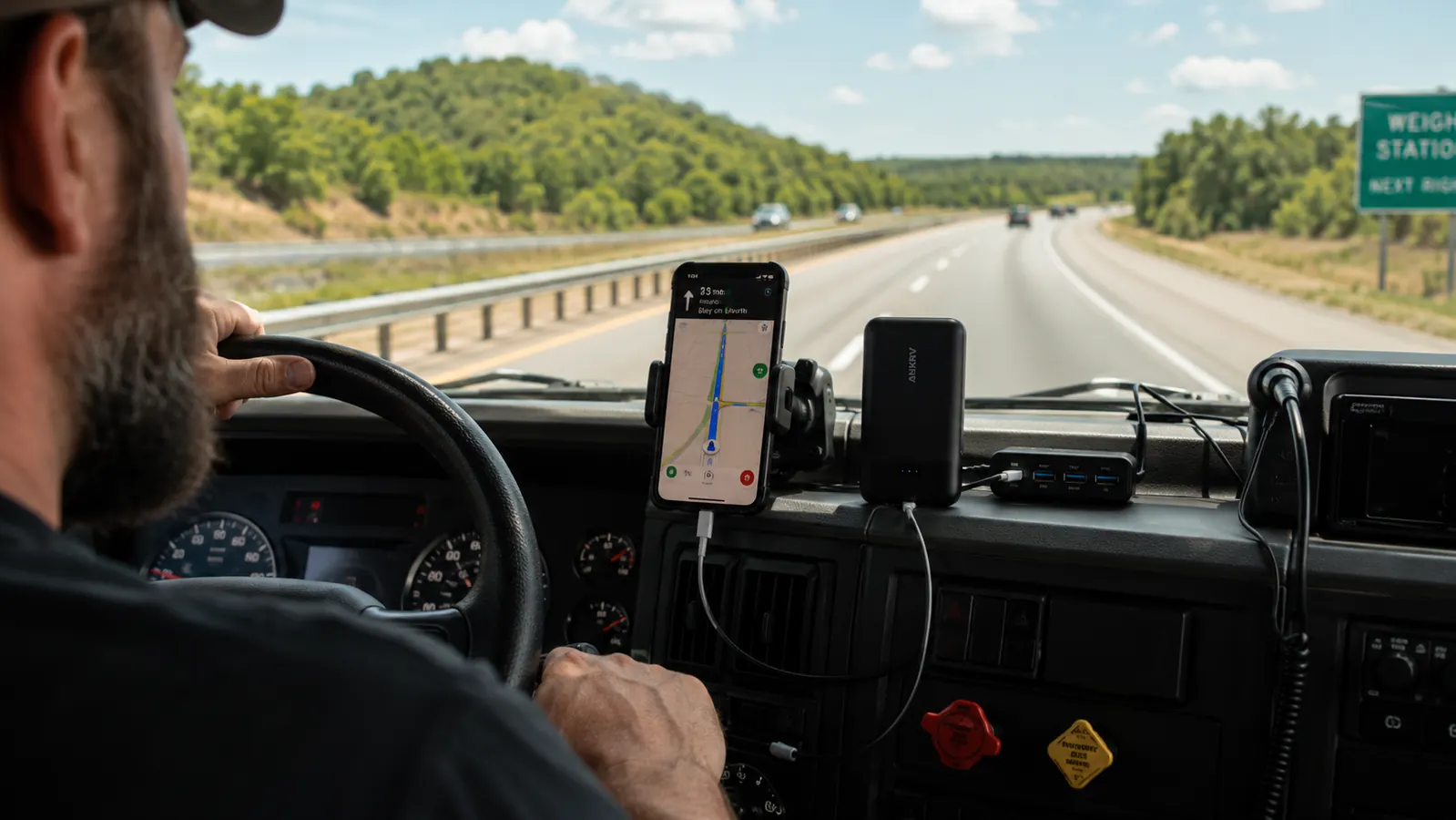
The Anker Zolo 20,000mAh power bank has been on my center console for every long-haul run I have made in the last two years. Phoenix to Chicago. Atlanta to Seattle. I-10 straight across from Jacksonville to El Paso. I drive for a living, eleven years in, and a dead phone on those routes is not an inconvenience. It is a safety problem. When my GPS goes dark at 3am somewhere in western Kansas and my backup phone sits at 6%, I am not in a great position. That experience, which happened exactly once in 2023, is what made me build a real cab charging system instead of hoping the factory USB ports would handle it.
Most drivers I know rely entirely on their truck's built-in USB ports or a cheap 12V adapter from a truck stop. Both are fine for a short drive. Neither works well for a four-day run where you are running GPS navigation, streaming music, logging ELD hours on a tablet, and keeping a dashcam alive. The cab USB ports on older rigs put out maybe 5 watts. That keeps a phone from dying but does not actually charge it under a navigation load. You need a layered system. This guide is that system, built from what I actually run in my cab, written so you can set it up in an afternoon without having to figure it out the hard way.
Your truck's USB port isn't a charger. This is.
The Anker Zolo 20,000mAh power bank delivers 30W USB-C fast charging and holds enough capacity to top off a smartphone roughly five times. It's the overnight backup layer I never leave home without.
Amazon Check Today's Price on Amazon →Step 1: Audit Every Device in Your Cab and Its Real Power Draw
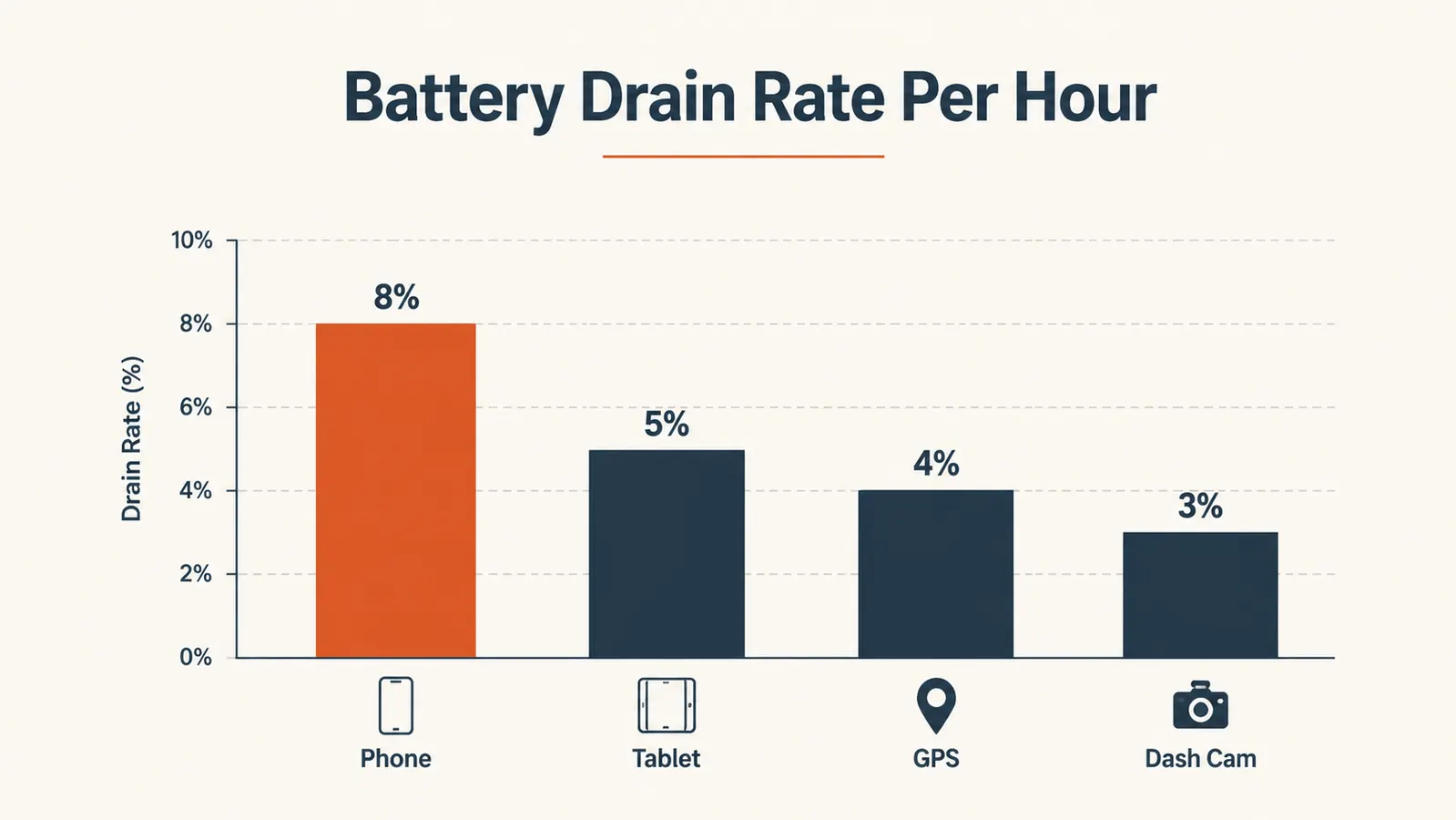
Before you buy a single cable or hub, write down every device you run. My list on a typical run: iPhone 14 Pro, a 10-inch Android tablet for ELD logging, a Garmin Dezl 785 GPS, a Vantrue N4 dashcam, and a Bluetooth speaker for the cab. That is five devices. Some run all day without stopping. The Garmin especially burns through power because it has a bright screen plus live traffic updates running nonstop.
Look up the charging wattage for each device. Your phone probably wants 20 to 27 watts for fast charging. A tablet might want 18 to 20 watts. A GPS needs maybe 5 watts. Total that up. If you are trying to fast-charge your phone and tablet simultaneously while keeping the GPS alive, you need at least 45 to 50 watts of available output from your setup. Most single-port truck adapters top out at 18 watts. That math does not work in your favor.
Write the list down and keep it handy. You will reference it when you pick your hub and your power bank. Guessing at capacity and hoping it works is how you end up with a phone at 30% and a dead tablet an hour outside your delivery window, which is exactly where you do not want to be making those decisions.
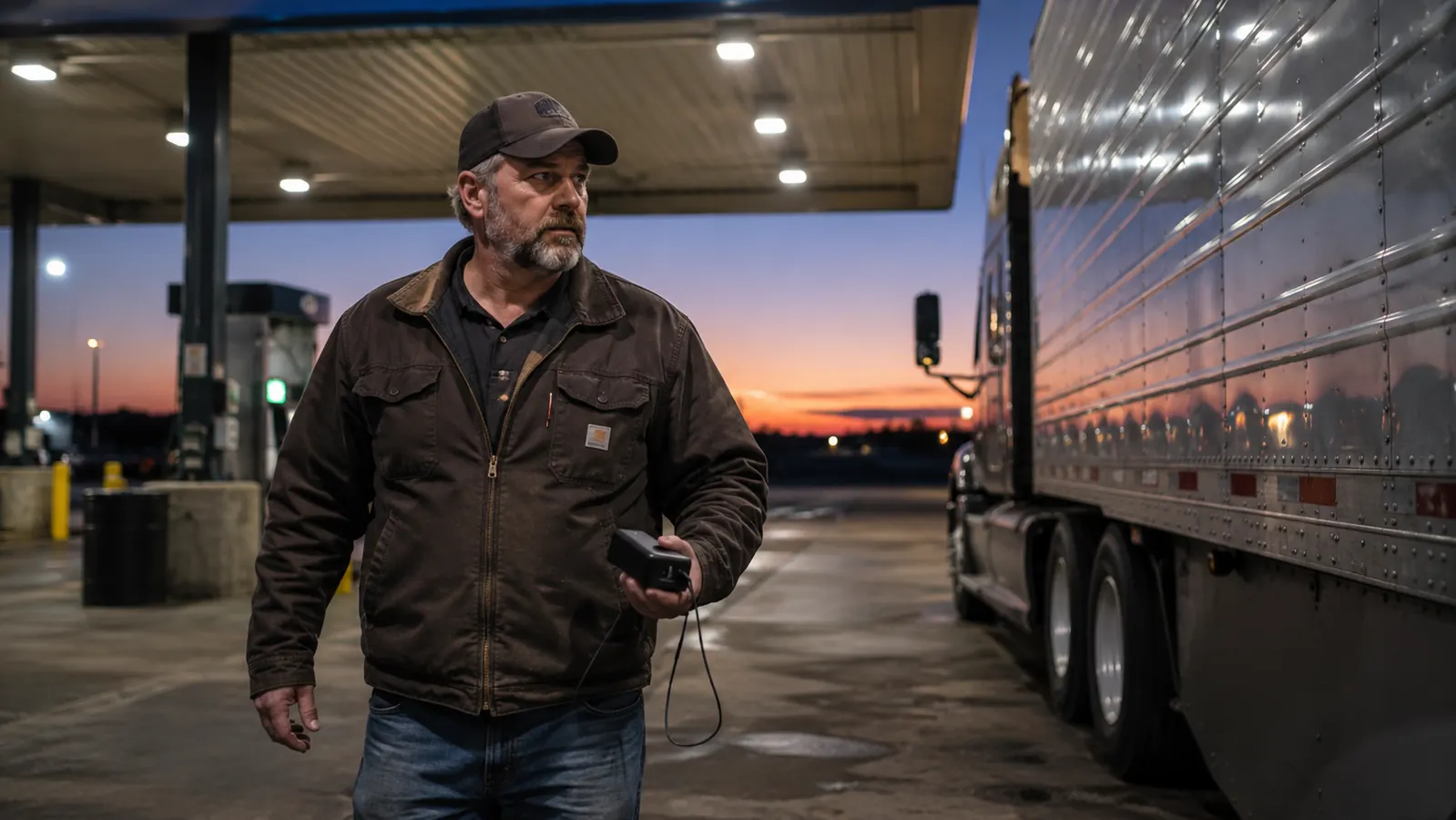
Step 2: Upgrade Your Truck's 12V Outlet With a Quality USB-C Hub
Your truck's 12V cigarette lighter port is the primary power source when the engine is running. That port can safely deliver around 120 to 150 watts before you trip a fuse. The stock USB ports built into most cabs are an afterthought: usually USB-A, usually slow. Replace the 12V adapter with a multi-port USB-C hub that puts out at least 65 watts total, with at least one 30W USB-C port for fast charging your main phone.
I run a four-port adapter: one 30W USB-C port for the phone, one 18W USB-A for the tablet, one 12W USB-A for the GPS, and a fourth port I use to trickle-charge the Anker Zolo during the day while the engine is running. That fourth port is the key move. You are using the alternator to fill the power bank during drive time, so the bank is fully charged or close to it by the time you park for the night.
Mount the hub where the cables reach comfortably without pulling across the steering wheel or gear shift. I velcro mine to the right side of the center console. Cable management matters more than people realize. Loose cables dragging across the floor are a genuine distraction when you are managing an 80,000-pound rig in traffic. Two minutes of tidying with velcro cable ties is worth it.
Step 3: Add a High-Capacity Power Bank as Your Overnight and Backup Layer
When the engine is off, the 12V hub does nothing. Some drivers run a 12V inverter and pull from the truck batteries overnight, but that risks a dead battery if something charges for eight hours on older cells. The cleaner answer is a dedicated power bank that charges during drive time and powers devices at night. This is where the Anker Zolo earns its space.
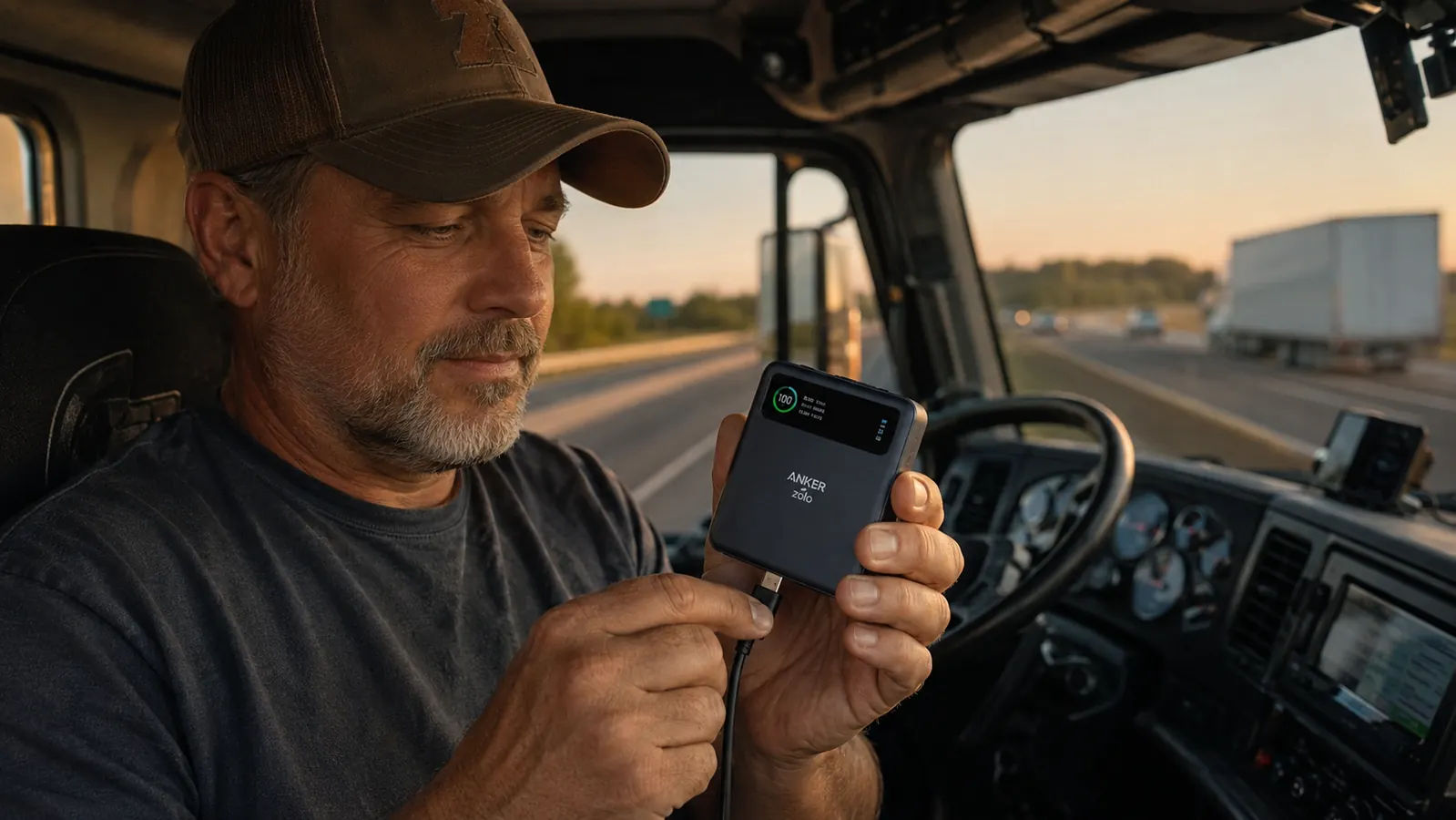
Twenty thousand milliamp-hours is enough to fully charge a 4,000mAh phone battery roughly four to five times, or keep my tablet topped off through a full overnight rest period. The 30W USB-C output on the Anker Zolo is fast enough that I go from 20% to 80% on my iPhone in under 45 minutes. The built-in USB-C cable is a practical detail because hunting for a loose cable at 5am in the dark is not a fun start to a run.
The Zolo also supports pass-through charging: you charge the bank itself via one port while simultaneously drawing from another port to charge a device. That is useful when you are parked at a truck stop with access to a wall outlet. Plug the bank in, plug your phone into the bank, both fill up at the same time. It is not the fastest dual-charging experience, but it means you only need one outlet during a 30-minute break instead of fighting another driver for the second plug.

Step 4: Set a Charging Rotation so Nothing Gets Left at Zero
Gear does not die randomly. It dies because there was no system. I run a rotation I have followed for three years without a dead device on the road. Engine on, driving: phone and tablet on the hub, GPS on the hub, Anker Zolo charging via the fourth port. Engine off, overnight: phone and tablet plugged into the Anker Zolo. Dashcam runs on its own dedicated 12V port with a hardwire kit so it does not compete with anything.
The rule: the power bank charges during the day and powers devices at night. Never let the bank drop below 50% when you start an overnight rest. If it is below 50%, plug your phone in anyway but understand you are working from a partial reserve. In practice, a full day of driving takes the Zolo from around 30% to 90% through the fourth hub port. Short driving days are the only situation where this gets tight.
The power bank charges during the day and powers your devices at night. That one rule is the whole system.
Write the rotation on a piece of tape and put it on the dash for the first couple of weeks until it is automatic. I know that sounds basic, but habit formation is the difference between a driver who never has a dead device and a driver who has the same frustrating conversation about dead batteries every other month. Make the system visible until it becomes invisible.
Step 5: Know When to Add a 12V Inverter and When Not To
A 12V inverter converts your truck's DC power to standard AC, meaning wall-outlet-style plugs while the engine runs. If you need to charge a laptop (most USB-C power banks cannot reliably deliver the 65 to 100 watts a laptop needs) or run a CPAP machine in the sleeper, an inverter is the right tool. I run a 300-watt inverter for my laptop on any run where I need to do paperwork or route planning during breaks.
Where not to use one: do not run an inverter overnight with the engine off unless your truck has a battery management system that cuts draw before the battery drops too low. A 300-watt inverter pulling from truck batteries with the engine off can drain them in four to six hours depending on battery age. Use the power bank for overnight phone and tablet charging. Save the inverter for engine-on situations where you have alternator power backing it up.
If your rig has an APU (auxiliary power unit), you have more flexibility. The APU maintains steady power without killing the main batteries, so you can run more overnight. But most owner-operators and many company drivers are not in APU-equipped trucks. The bank-plus-hub system covers the vast majority of cab charging situations without the battery risk.
What Else Helps
Cable quality is underrated. I wasted two years on cheap braided USB-C cables from truck stop endcaps. They work for a few weeks and then the connection gets loose, charging cuts in and out, and you spend 20 minutes troubleshooting at 11pm when you should be sleeping. Name-brand cables rated for 60W or higher, with solid housings at both ends, last significantly longer under the constant plug-unplug cycle of cab life. Buy them in two-packs and keep a spare in your bag.
Keep devices cooler when you can. Lithium batteries charge better and hold capacity longer when they are not sitting in direct heat. Leaving a black phone on the dash in summer sun while it tries to charge is a recipe for throttled charging speeds and accelerated battery wear. A phone mount that keeps the screen shaded, or a simple dark cloth over the device during a charging break, is a small habit that adds up over thousands of miles.
Finally, look after the power bank itself. The Anker Zolo and most quality banks use lithium polymer cells that last longer when you avoid running them to dead zero before recharging. Try to top the bank off before it drops below 20%. Over a year of use, that habit preserves noticeably more usable capacity than running it to zero every cycle. Anker builds quality cells, but chemistry is chemistry regardless of the brand name on the outside.
For a deeper look at how the Anker Zolo holds up over months of daily road use, my long-term Anker Zolo power bank review covers charge speeds, capacity retention, and the built-in cable durability in detail. If you are still deciding whether a high-capacity bank is worth the cab space, the breakdown in 10 reasons a power bank belongs in your cab makes the case plainly.
The power bank I trust on every run, from Phoenix to Chicago and back.
The Anker Zolo 20,000mAh charges at 30W, has a built-in USB-C cable, and holds enough capacity to keep a trucker's full device lineup alive through a night without an outlet. Rated 4.5 stars across 25,000-plus real reviews.
Amazon Check Today's Price on Amazon →